
Visionair Notes
Practical monthly ideas for planning clearer video, photography and content that keeps working.


Turn one shoot into a month of useful content
The most efficient productions are designed as content systems, not single deliverables. With a clear capture plan, one well-organised day can supply your website, social channels, presentations and internal communications without making every asset feel repetitive.
Start with the channel map
List every place the content needs to appear before you write the shot list. Include aspect ratio, ideal duration, audience and call to action. This reveals where you need wide establishing shots, vertical compositions, clean interview answers and still photography.
Build modular stories
Record short answers that make sense on their own, then capture supporting scenes for each idea. Editors can combine those modules into a hero film, short explainers, social clips and internal updates while keeping the message consistent.
Protect the useful extras
Reserve time for portraits, workplace details, signage, team interactions and clean background plates. These assets often become the most reused material across proposals, recruitment, reports and future campaigns.
A useful production checklist
- one primary message
- a deliverables table
- horizontal and vertical framing
- a priority stills list
A thought for the month“Good content is not created by doing more. It is created by deciding what matters before production begins.”
Producer: “We captured 47 deliverables today.”
Camera: “Great. I was worried we were taking it easy.”
What could your team reuse six months from now?
If a project is taking shape, send us the audience, location, timing and required outputs. We can help turn that information into a practical production plan.


A calmer way to review video and photography
Review becomes difficult when every stakeholder is judging a different thing. A simple approval framework gives people a shared standard, keeps feedback tied to the brief and prevents late-stage changes from undoing good work.
Agree on the review question
At each stage, tell reviewers what is ready to assess. A script review should test message and structure. A rough cut should test story and accuracy. Colour, music balance and final polish belong later, once the content is approved.
Collect one consolidated response
Nominate one person to gather comments, remove duplicates and resolve contradictions before feedback reaches the production team. Time-coded notes with a reason are far easier to action than separate email chains.
Separate preference from purpose
Ask whether a proposed change helps the intended audience understand, trust or act. This keeps decisions connected to the communication goal instead of personal taste.
A useful production checklist
- one final approver
- stage-specific review criteria
- time-coded feedback
- a fixed response deadline
A thought for the month“Clear feedback is a form of momentum: it helps good work become finished work.”
Reviewer: “Just one tiny change…”
Editor: “Excellent. I’ll cancel dinner.”
Does this change make the message clearer for the audience?
If a project is taking shape, send us the audience, location, timing and required outputs. We can help turn that information into a practical production plan.

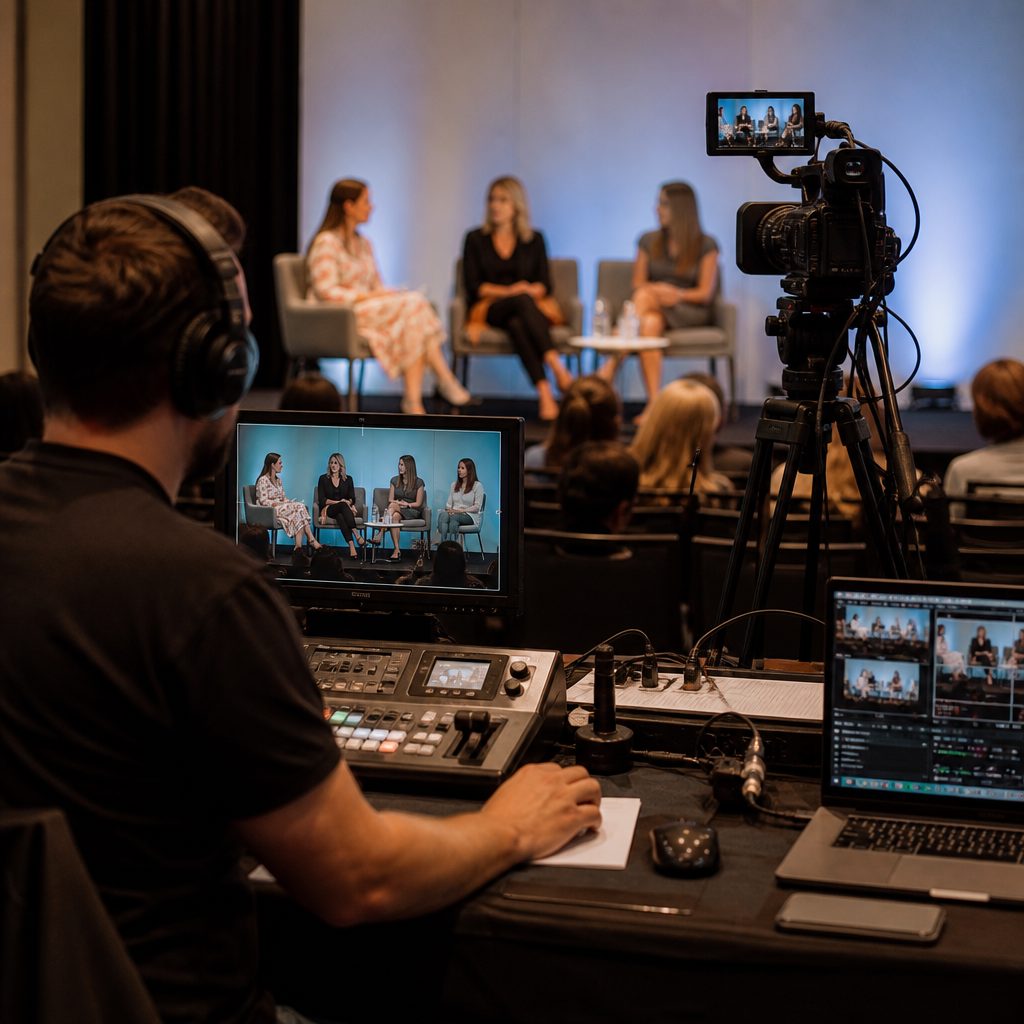
Choose the right format for every channel
Reposting the same edit everywhere is convenient, but rarely effective. Each channel creates a different viewing context. Keep the core message consistent while adjusting the opening, pace, framing and next action.
Design for the first three seconds
Website visitors, event audiences and social viewers arrive with different expectations. Start with the information or image that matters most in that setting rather than forcing every version to share the same introduction.
Frame for the destination
Vertical video needs protected headroom and tighter compositions. Presentation screens reward clear wides and slower pacing. Website headers often require negative space for text. Planning these needs on set protects quality later.
Match the call to action
A case study page may invite an enquiry, LinkedIn may encourage discussion and an internal update may ask people to adopt a process. Give each version one clear next step.
A useful production checklist
- a channel-specific opening
- safe crop zones
- captions for sound-off viewing
- one action per version
A thought for the month“Consistency builds recognition, but thoughtful adaptation earns attention.”
Phone: “Vertical, please.”
Presentation screen: “We need to talk.”
Where will this be watched, and what should happen next?
If a project is taking shape, send us the audience, location, timing and required outputs. We can help turn that information into a practical production plan.


Build trust with real people and real stories
Audiences trust detail. A real person describing a specific problem, decision and result is more persuasive than a polished list of claims. The production task is to create structure for clarity without removing the speaker’s natural voice.
Find the moment of change
Ask what was happening before, what prompted action and what became different afterwards. This gives the story movement and helps viewers understand why the outcome mattered.
Ask for observable detail
Follow broad statements with questions such as “What did that look like in practice?” or “Can you give me an example?” Concrete details make the story memorable and give editors stronger material.
Show evidence around the words
Capture the environment, process, people and objects connected to the story. Relevant supporting footage lets the audience see what the speaker means and makes edits feel natural.
A useful production checklist
- a clear before state
- one turning point
- specific evidence
- permission for intended uses
A thought for the month“Credibility grows when real people are trusted to tell specific, honest stories.”
Interviewer: “Just be yourself.”
Speaker: “Perfect. Which version?”
What changed, and what would someone have noticed?
If a project is taking shape, send us the audience, location, timing and required outputs. We can help turn that information into a practical production plan.


A practical content audit for the year ahead
Before commissioning more content, take stock of what already exists. A focused audit can reveal strong material that deserves another life, outdated assets that create risk and important audience questions that remain unanswered.
Sort by business use
Group assets by the job they perform: explain, reassure, recruit, demonstrate, report or convert. This is more useful than organising only by date or file type because it shows where coverage is strong or missing.
Check relevance and rights
Confirm that people, locations, branding, facts and permissions are still current. Mark assets that need a new edit, updated captions or replacement rather than discarding everything automatically.
Turn gaps into a brief
Rank missing content by audience need and business priority. The result becomes a grounded production plan instead of a wish list.
A useful production checklist
- top-performing evergreen assets
- outdated facts or branding
- usage permissions
- three priority gaps
A thought for the month“Knowing what to stop making is as valuable as knowing what to create next.”
Old stock photo: “I’ve been on the homepage since 2018.”
Brand manager: “Yes. We noticed.”
What important question can our current library not answer?
If a project is taking shape, send us the audience, location, timing and required outputs. We can help turn that information into a practical production plan.


Build a 90-day content plan that can actually be delivered
A useful content plan begins with business moments, not a blank calendar. Map the decisions, launches, events and audience questions that matter over the next quarter, then choose the smallest set of assets that can support them well.
Anchor the quarter
Identify fixed dates and high-value moments first. Work backwards from approvals, production, editing and distribution so important content is not rushed at the end.
Choose repeatable themes
Use three or four themes that connect audience needs with your expertise. Repetition builds recognition when each edition adds a new example, perspective or practical tool.
Plan capacity honestly
Assign an owner, approval path and publishing destination to every asset. If no one can own the next step, remove it from the committed plan.
A useful production checklist
- quarterly priorities
- fixed campaign dates
- content owners
- approval lead times
A thought for the month“A practical plan turns creative ambition into work that actually reaches people.”
Calendar: “There are 90 days in this plan.”
Team: “And only 14 Mondays?!”
Which audience decision are we helping with this quarter?
If a project is taking shape, send us the audience, location, timing and required outputs. We can help turn that information into a practical production plan.
Brief interviews that sound natural on camera
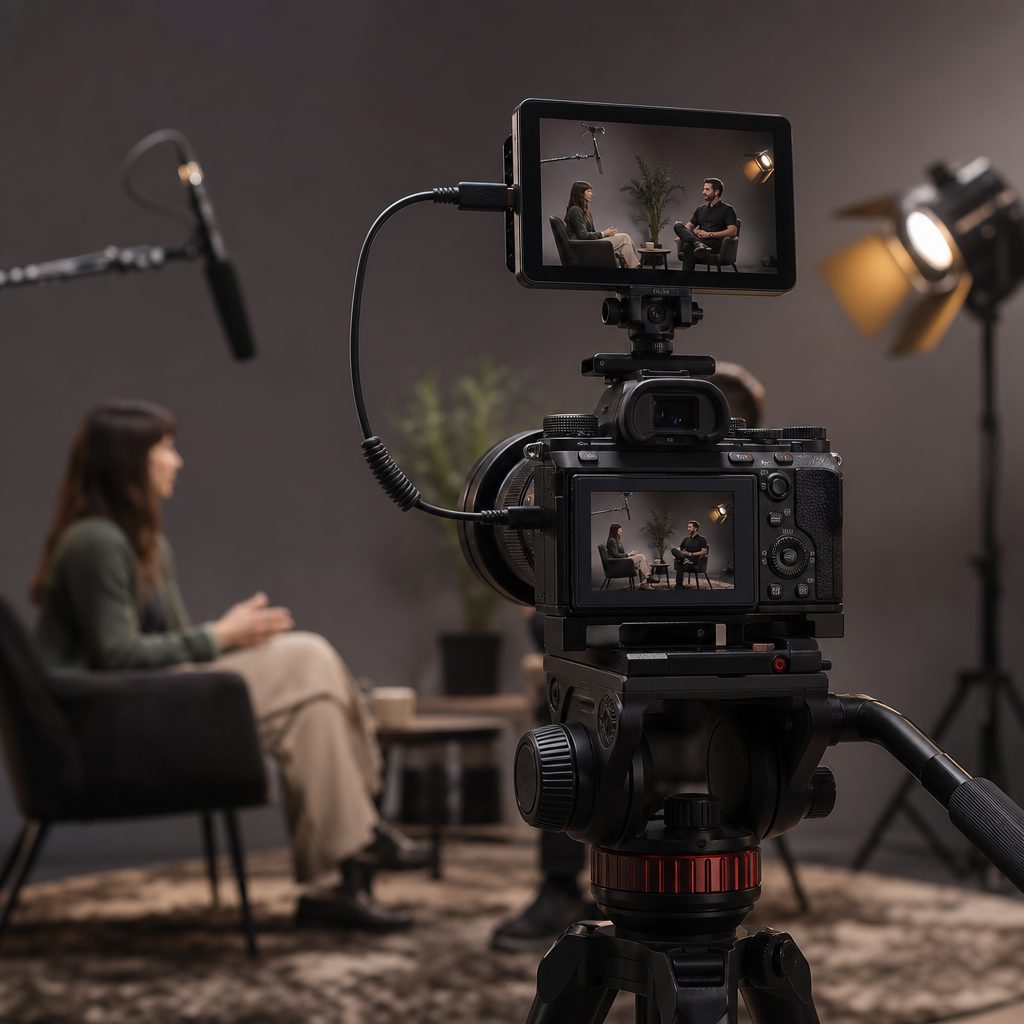
Confident interviews are rarely improvised and rarely memorised. The best preparation helps a speaker understand the purpose, audience and topics while leaving room for natural language and genuine thought.
Send themes, not paragraphs
Share the main topics and practical details in advance. Let the speaker think about examples, but avoid giving them a speech to recite. Familiarity creates confidence; memorisation often creates tension.
Start with easy context
Begin with role, experience or what the team does before moving into complex questions. Early conversational answers help the speaker settle into the room and microphone.
Edit in the question
Ask speakers to include enough context in each answer for it to stand alone. A short pause before and after each response gives the editor clean options.
A useful production checklist
- audience and purpose
- a topic guide
- real examples
- quiet pauses between answers
A thought for the month“Confidence on camera begins with clarity off camera.”
Speaker: “Should I memorise all six pages?”
Producer: “Only if you want to sound like six pages.”
Can you explain that as if the viewer has no background?
If a project is taking shape, send us the audience, location, timing and required outputs. We can help turn that information into a practical production plan.

Plan website video around the visitor journey
Website video works best when it removes uncertainty at the right moment. Instead of placing a generic brand film everywhere, match each video to the visitor’s question, the page context and the next useful action.
Homepage: establish relevance
Use a concise opening that shows who you help, what you make possible and why the visitor should continue. Strong visuals should support the proposition rather than delay it.
Service pages: explain and reassure
Demonstrate the process, introduce credible people and answer common concerns. Short chapters or focused clips are easier to use than one long film covering every service.
Case studies: provide evidence
Combine a clear customer situation, the work completed and a specific outcome. Supporting footage and on-screen facts help visitors understand the story quickly.
A useful production checklist
- a page-specific objective
- a fast opening
- captions and transcript
- a clear next action
A thought for the month“The right story, placed at the right moment, can remove uncertainty and invite action.”
Homepage video: “I explain everything.”
Visitor: “I only had twelve seconds.”
What uncertainty should this video remove on this page?
If a project is taking shape, send us the audience, location, timing and required outputs. We can help turn that information into a practical production plan.
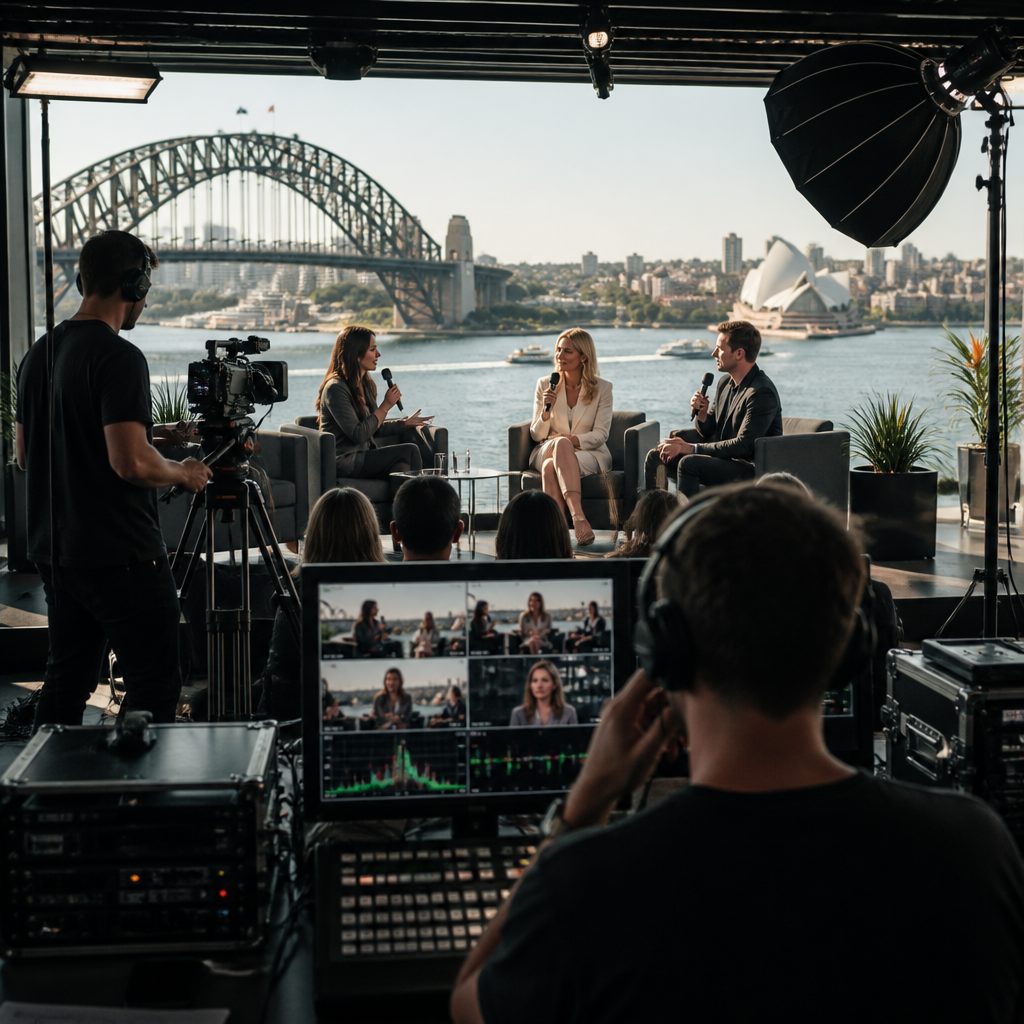
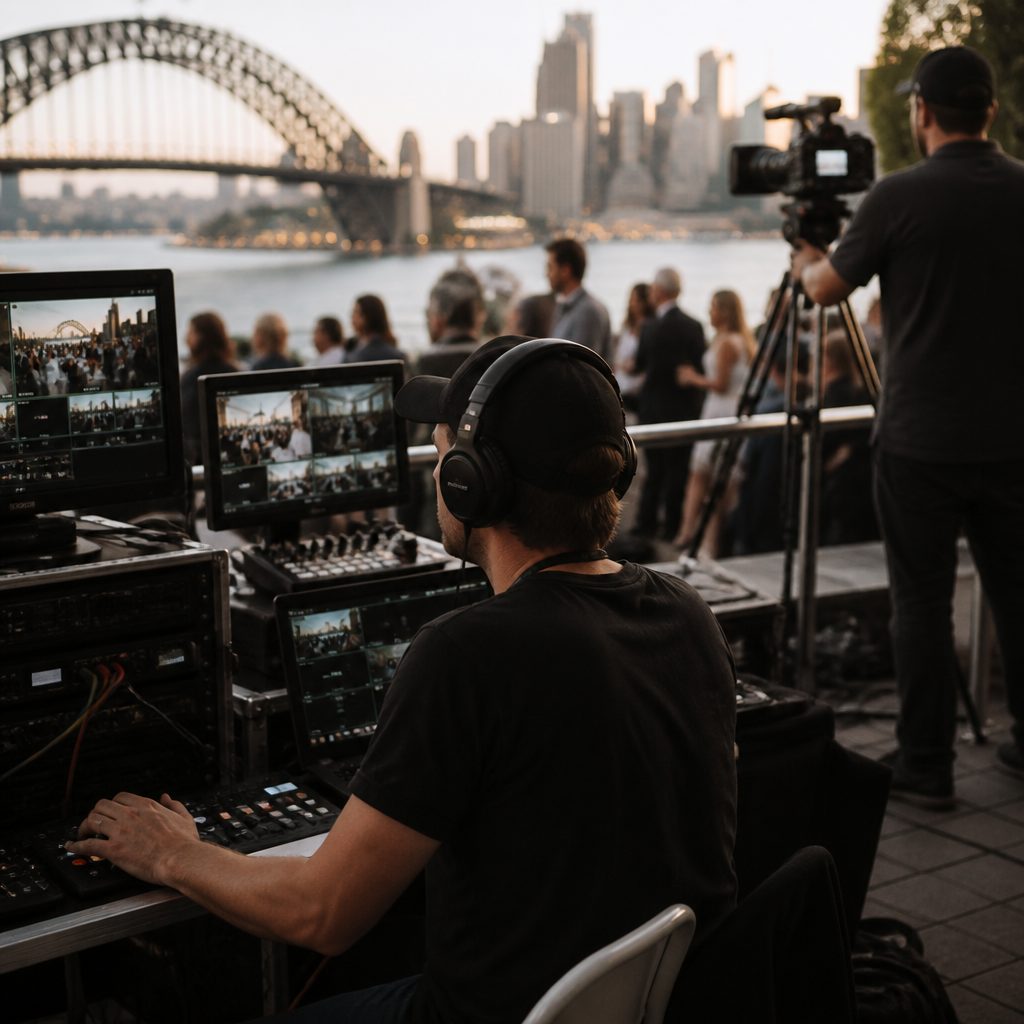
Make event content last beyond the event
Events concentrate expertise, people and energy in one place. With planning, the coverage can become a long-term library of talks, interviews, social clips, photography and internal learning—not just a recap posted the next morning.
Prioritise the moments
Create a run sheet that marks essential speakers, announcements, demonstrations, audience interactions and sponsor requirements. Separate must-have coverage from useful atmosphere.
Create a quiet interview window
Schedule short conversations away from the main room. Ask speakers to summarise one idea, explain why it matters and identify the next action. These clips can stand alone long after the event.
Plan the release sequence
Deliver a fast set of selects for immediate use, then release deeper edits over the following weeks. This balances speed with lasting value.
A useful production checklist
- a priority run sheet
- release permissions
- a quiet interview location
- rapid and evergreen deliverables
A thought for the month“An event lasts a day; a well-captured idea can keep working for months.”
Event camera: “I got the keynote, interviews and crowd.”
Coffee cup: “And 63 close-ups of me.”
What should people still learn from this event in three months?
If a project is taking shape, send us the audience, location, timing and required outputs. We can help turn that information into a practical production plan.


Measure content by useful business outcomes
A high view count can be encouraging, but it does not automatically mean the content worked. Measurement becomes more useful when each asset has a defined communication job and a small set of signals connected to that job.
Match the metric to the purpose
Awareness content may be judged by qualified reach and completion. Explanation content may reduce repeated questions. Recruitment material may improve applicant quality. Define success before publishing.
Look for behaviour and feedback
Track enquiries, page movement, event registrations, sales conversations and the questions people ask after watching. Pair numbers with comments from staff and customers.
Use results to improve the next brief
Record what held attention, which messages caused confusion and where viewers acted. These insights should shape the next script and distribution plan.
A useful production checklist
- one primary objective
- two meaningful measures
- qualitative feedback
- a review date
A thought for the month“Measurement is most useful when it improves the next decision.”
Dashboard: “We reached 80,000 views.”
Sales team: “Lovely. Did anyone call?”
What decision or behaviour should this content influence?
If a project is taking shape, send us the audience, location, timing and required outputs. We can help turn that information into a practical production plan.

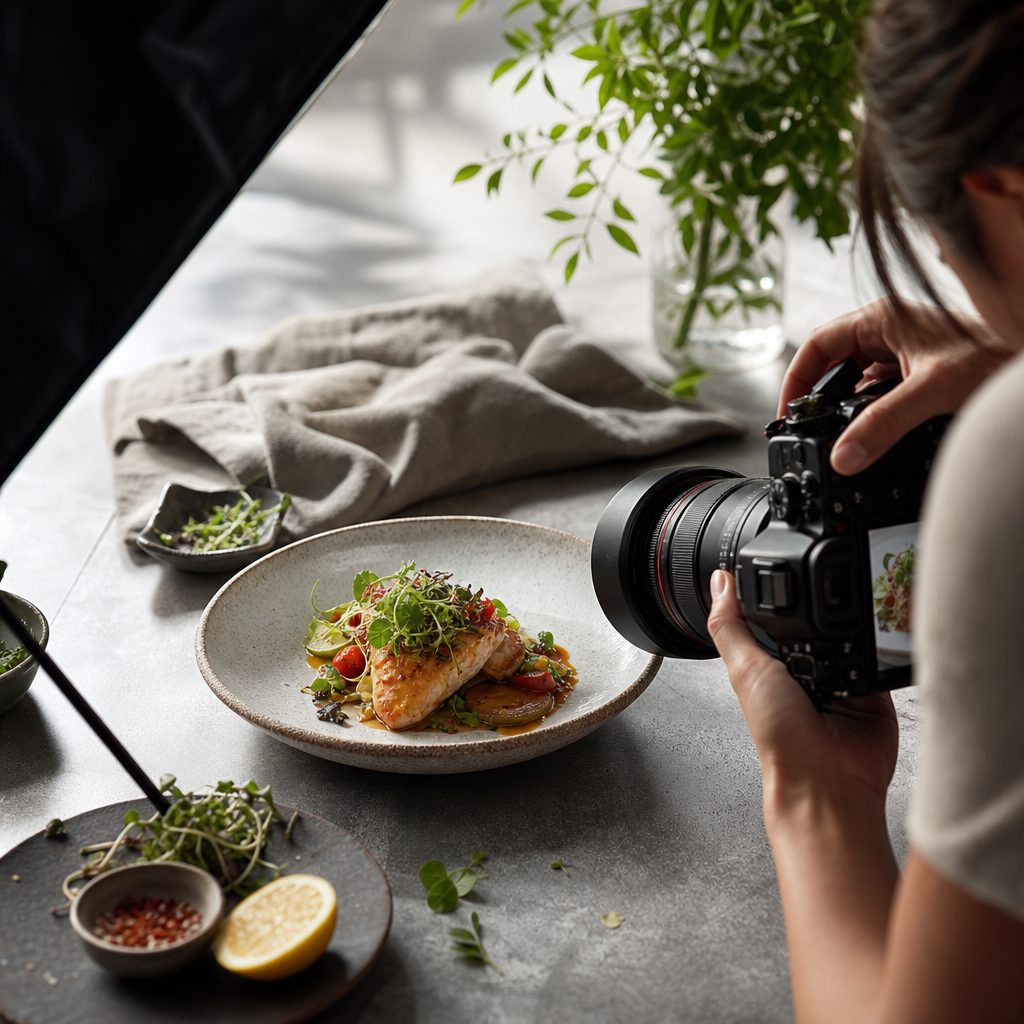
Create an evergreen visual asset library
An evergreen library saves time, improves brand consistency and gives teams better options when a deadline appears. The key is to capture adaptable material with accurate metadata, clear permissions and enough variety for future layouts.
Capture real work with flexibility
Photograph and film genuine people, places and processes in wide, medium and detailed views. Include compositions with negative space for design and versions that work in horizontal and vertical crops.
Organise for discovery
Use consistent filenames, dates, locations, subjects and usage notes. A beautiful asset has little value if no one can find it or understand where it may be used.
Maintain the library
Schedule a regular review to remove outdated branding, expired permissions and superseded processes. Add new material where teams repeatedly find gaps.
A useful production checklist
- wide, medium and detail coverage
- horizontal and vertical options
- searchable metadata
- documented usage rights
A thought for the month“A well-organised visual library is creative work saved for the moment it is needed.”
File name: FINAL_v9_USETHIS2.jpg
Asset librarian: “We need to have a conversation.”
Could someone outside the project find and use this asset correctly?
If a project is taking shape, send us the audience, location, timing and required outputs. We can help turn that information into a practical production plan.